
Document & Knowledge Hub
Document Systems Built to Replace Scattered Files and Email Attachments
Store product specs, vendor agreements, compliance certificates, and internal records in one searchable, version-controlled workspace accessible to the right people only.
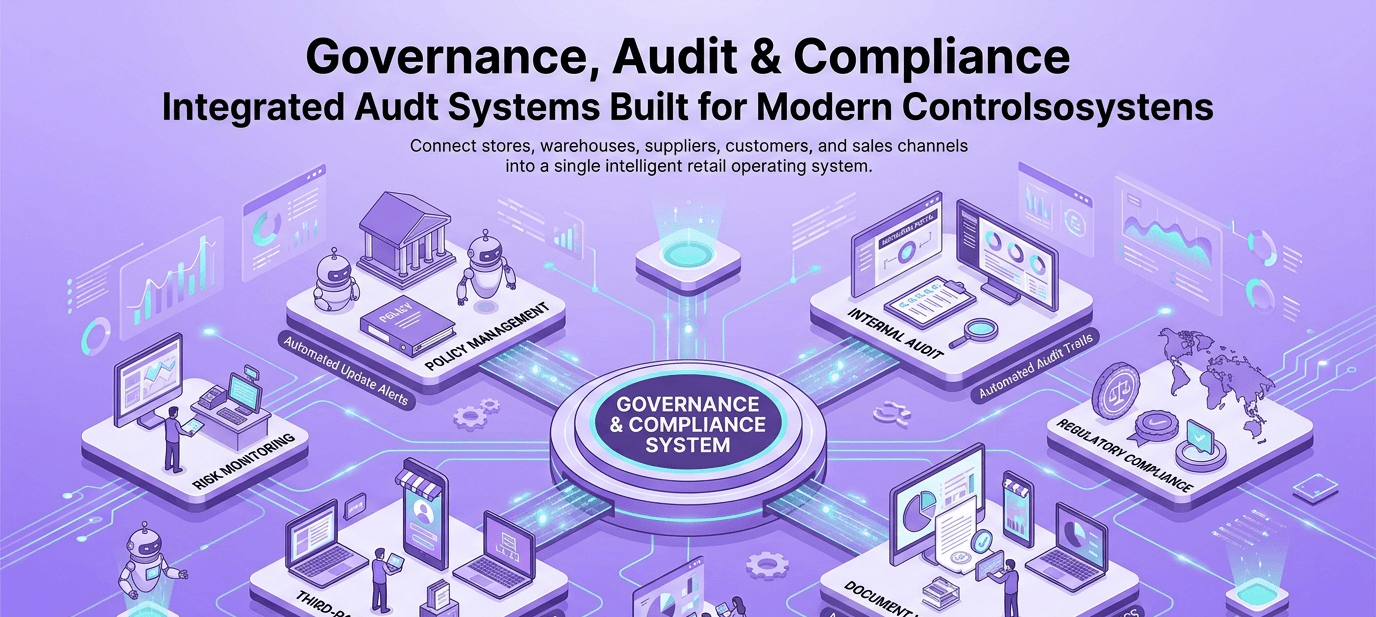
The most common reason a compliance certificate or vendor agreement gets missed is that it's sitting in someone's inbox, in a folder no one else knows exists. This hub gives every team one searchable home for that kind of document — with access limited to the right people and a clear version history, without duplicating the contract workflows or audit-log functionality that live elsewhere on this platform.
Core Modules
8 pointsCentralized Document Repository
Gives every team one place to store product specs, agreements, and internal records instead of scattered personal drives.
Version Control & History
Keeps a full history of every document edit, so teams always know which version is current and what changed.
Role-Based Access Control
Restricts document visibility by role, so sensitive files are only seen by people who are meant to see them.
Secure File Sharing
Shares documents with internal or external parties through controlled, trackable links instead of email attachments.
Full-Text Search Engine
Searches inside document content, not just file names, so the right file surfaces even if no one remembers what it was called.
Folder & Team Workspaces
Organizes documents into team-specific workspaces with permissions applied automatically by group.
Document Expiry Reminders
Flags certificates and agreements before they lapse, instead of finding out during a compliance check.
Cross-Device Sync
Keeps documents accessible and current across desktop and mobile, so field teams aren't stuck without the latest version.
Business Flow
Intelligent Automation Layer
- Auto-versioning every time a document is updated
- Access request routing to document owners
- Expiry alerts for certificates and agreements before they lapse
- Duplicate document detection on upload
- Folder permission templates applied automatically by team
- Sync status alerts across devices
Future-Ready Integrations & AI
- AI-based full-text and semantic search across documents
- Integration with e-signature tools for approvals
- Single sign-on and enterprise access control
- Mobile app for document access on the go
- Integration with vendor, HR, and compliance modules
- Cloud storage redundancy and backup